You have delivered the service. The client is happy. But the invoice sits unpaid for two weeks, and you spend another hour sending follow-up reminders. Meanwhile, a different client disputes a charge from last month. Sound familiar?
Manual billing is one of the most time-consuming and frustrating parts of running a service business. There is a straightforward fix: collect payment at the moment of booking. Appointusonline makes this easy, secure, and professional, through direct integrations with Stripe and PayPal.
Three Business Problems That Payment at Booking Solves
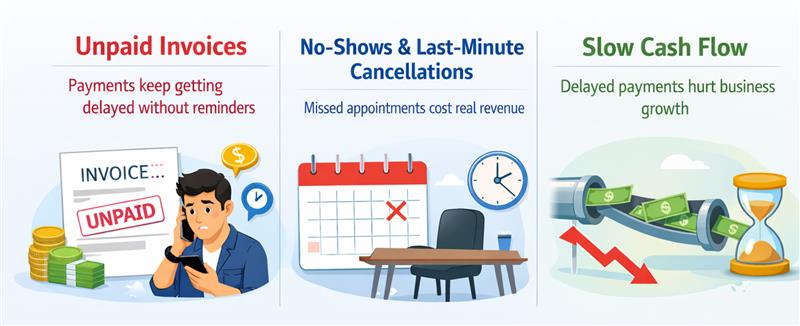
- Unpaid Invoices
When clients pay upfront, there is nothing to chase. No outstanding balances, no awkward reminder messages, no aged receivables on your books. Payment collected at booking means revenue that is yours before the session even begins.
- No-Shows and Last-Minute Cancellations
A client who has already paid is a client who shows up. Financial commitment is the most reliable behavioural driver for appointment adherence. This goes beyond reminders. Once money has changed hands, the psychological stakes for the client are higher. Your no-show rate drops, and your calendar becomes genuinely predictable.
- Slow Cash Flow
Post-delivery invoicing can stretch your cash position by weeks. With payment at booking, cash arrives before you perform the work. For service businesses managing staff wages, supply costs, or studio overhead, this shift in timing has a measurable impact on day-to-day financial stability.
Appointusonline’s Payment Integrations
Stripe: The Industry Standard
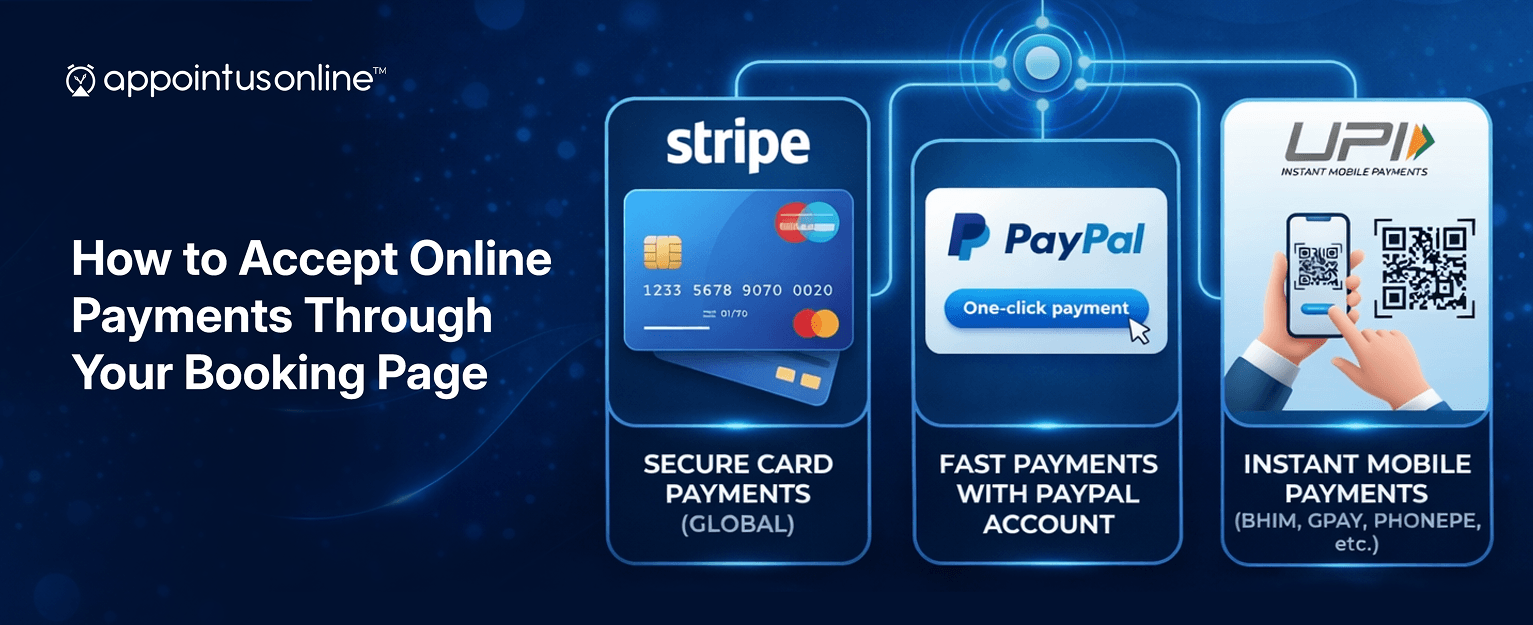
Appointusonline integrates directly with Stripe, the payment platform trusted by millions of businesses globally. Through the Stripe integration, your booking page can accept all major credit and debit cards, like Visa, Mastercard, American Express, Discover, JCB, UnionPay, and Diners Club. Setup takes minutes: connect your existing Stripe account or create a new one from within Appointusonline, set your service prices, and payment becomes part of the booking flow for every customer.
Funds are transferred directly to your bank account on Stripe’s standard payout schedule, with full transaction records available in your dashboard.
PayPal: For Clients Who Prefer It
Not all clients want to enter card details. PayPal’s global user base means a significant portion of your customers. Particularly those purchasing services online for the first time, will prefer this option. Appointusonline’s PayPal integration gives them the choice, reducing checkout friction and increasing completed bookings.
UPI and Additional Payment Methods
Appointusonline’s payment infrastructure also supports UPI, making it a strong option for businesses serving customers across South Asia. Offering multiple payment methods is a straightforward way to ensure you capture bookings from the widest possible audience.
Beyond Basic Payments: Advanced Revenue Features
Service Packages and Bundles
Appointusonline’s Pricing & Plans feature lets you create packaged offerings. A block of ten personal training sessions, a monthly coaching retainer, a prepaid course bundle. Packages create committed clients, smooth out revenue variability, and reduce the transactional nature of the client relationship. A client on a package does not think about whether to book next week; they simply book.
Membership Plans
The Membership feature takes packages a step further by offering recurring subscription-based pricing. Offer exclusive rates, priority booking, or premium access to members. Memberships drive long-term retention and create predictable monthly recurring revenue. The gold standard for service business financial planning.
QR Code Payments
For walk-in clients or in-person payments, Appointusonline supports QR code-based payment. Display your QR code at your reception, on printed marketing materials, or on a screen at your premises. Clients scan, pay, and are confirmed. No cash handling, no card terminal required.
Setting Up Payments in Appointusonline: Step by Step
- Log in to your Appointusonline account.
- Navigate to your booking page settings.
- Open the Integrations or Payments section.
- Select Stripe or PayPal and connect your account.
- Set pricing for each service or create packages.
- Choose whether payment is required or optional at booking.
- Save. Your booking page now accepts payment immediately.
Security and Compliance
Security is non-negotiable when handling financial transactions. Appointusonline processes all payments through Stripe and PayPal’s PCI-DSS compliant infrastructure. Cardholder data is encrypted and never stored on Appointusonline’s servers. Both you and your clients can transact with full confidence.
Activate online payment today and get started free.
www.appointusonline.com
Collecting payment at the point of booking is one of the most impactful operational changes a service business can make. It eliminates unpaid invoices, reduces no-shows, improves cash flow, and creates a more professional client experience. With Appointusonline’s Stripe and PayPal integrations, packages, memberships, and QR code support, you have everything you need to build a payment flow that works as hard as you do.
Stop chasing payments. Start collecting them at booking.